

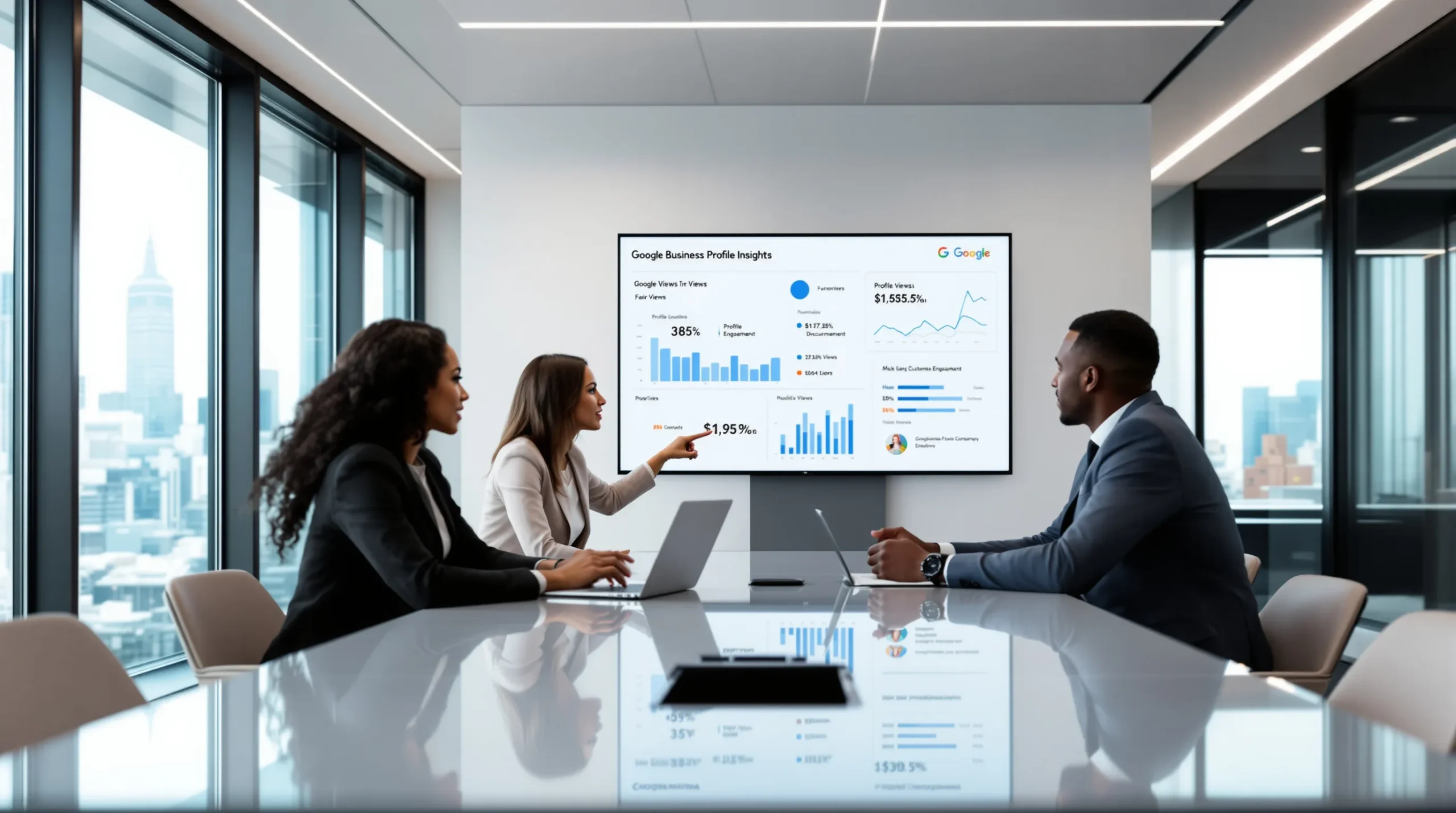
Picture this: It’s Monday morning. You open your laptop, sip your coffee, and check your Google Business Profile Insights. Suddenly, you spot a spike in calls last Friday—right after you posted a photo of your new menu item. That’s not just a number. That’s a real person who saw your business, got curious, and picked up the phone. If you’ve ever wondered what actually drives people to your door, Google Business Profile Insights holds the answers—if you know how to read them.
What Are Google Business Profile Insights?
Who Should Care About Google Business Profile Insights?
If you own a coffee shop, dental clinic, boutique, or any business with a physical location, Google Business Profile Insights is for you. If you’re an online-only brand, you won’t get much value here. But if you want more foot traffic, calls, or website visits, these insights can change how you make decisions.
Why Google Business Profile Insights Matter
Here’s the part nobody tells you: Most business owners set up their Google Business Profile and forget about it. But the real magic happens when you check your insights regularly. You’ll spot patterns—like which photos get the most views, or which days people call the most. That’s how you stop guessing and start making moves that actually work.
Real-World Example: The Pizza Shop That Listened
Take Tony’s Pizza. For months, Tony posted photos of his classic pepperoni pie. But his Google Business Profile Insights showed that a photo of his vegan pizza got twice as many views. Tony started promoting vegan options, and within weeks, he saw a 20% jump in new customers. That’s the power of paying attention to the right numbers.
Key Metrics in Google Business Profile Insights
Let’s break it down. Here are the main metrics you’ll see in your Google Business Profile Insights:
- How customers find your business: Direct searches (people who type your business name) vs. discovery searches (people who search for a category, product, or service).
- Where customers find you on Google: Search vs. Maps.
- Customer actions: Calls, website visits, direction requests, and messages.
- Photo views: How often people look at your photos compared to similar businesses.
- Popular times: When people are most likely to interact with your profile.
What Do These Metrics Really Mean?
If most people find you through discovery searches, your category and keywords matter more than your brand name. If your photo views are low, your images might need an upgrade. If calls spike on weekends, maybe you should run a Saturday special. Every number tells a story—if you’re willing to listen.
How to Use Google Business Profile Insights to Grow
Here’s where things get practical. You don’t need a marketing degree to use Google Business Profile Insights. You just need curiosity and a willingness to experiment.
- Check your insights weekly. Set a reminder. Patterns show up over time, not overnight.
- Test new photos and posts. See which ones get the most views and engagement. Swap out anything that flops.
- Watch for spikes in actions. Did you get more calls after a new post? Did direction requests jump after a holiday event?
- Compare with competitors. Google shows how your photo views stack up. If you’re lagging, it’s time to step up your visual game.
- Adjust your business info. If people search for “vegan pizza” and find you, make sure your menu and description reflect that.
Common Mistakes and How to Avoid Them
I’ll be honest: I’ve made every mistake in the book. I once ignored my insights for months, only to realize my business hours were wrong and I’d missed dozens of potential customers. Don’t let that happen to you. Double-check your info, update photos regularly, and respond to reviews. Small tweaks can make a big difference.
Advanced Tips for Power Users
If you want to go beyond the basics, try these strategies:
- Track seasonal trends. Do you get more calls in summer? Plan your promotions around those peaks.
- Use UTM codes. Add tracking codes to your website link to see what traffic comes from your Google Business Profile.
- Respond to Q&A. Answer questions directly on your profile. This builds trust and can boost engagement.
- Encourage reviews. More reviews mean more visibility—and your insights will show the impact.
What Google Business Profile Insights Can’t Tell You
Here’s the truth: Google Business Profile Insights won’t tell you everything. It won’t show you exactly who visited your store or why someone chose your competitor. But it gives you enough clues to make smarter decisions. Use it as a compass, not a crystal ball.
When to Ignore the Numbers
Sometimes, the data won’t make sense. Maybe you get a spike in calls after a random event, or your photo views drop for no clear reason. Don’t panic. Trends matter more than one-off blips. Trust your gut, but let the numbers guide your next move.
Next Steps: Make Google Business Profile Insights Work for You
If you’ve ever felt lost about what’s working in your local marketing, Google Business Profile Insights is your map. Start small. Check your insights every week. Try one new thing at a time. Celebrate the wins, learn from the misses, and keep going. Your business isn’t just a dot on the map—it’s a living, breathing story. And with the right insights, you get to write the next chapter.